
Smart TV guide
MAX PRO for Smart TVs
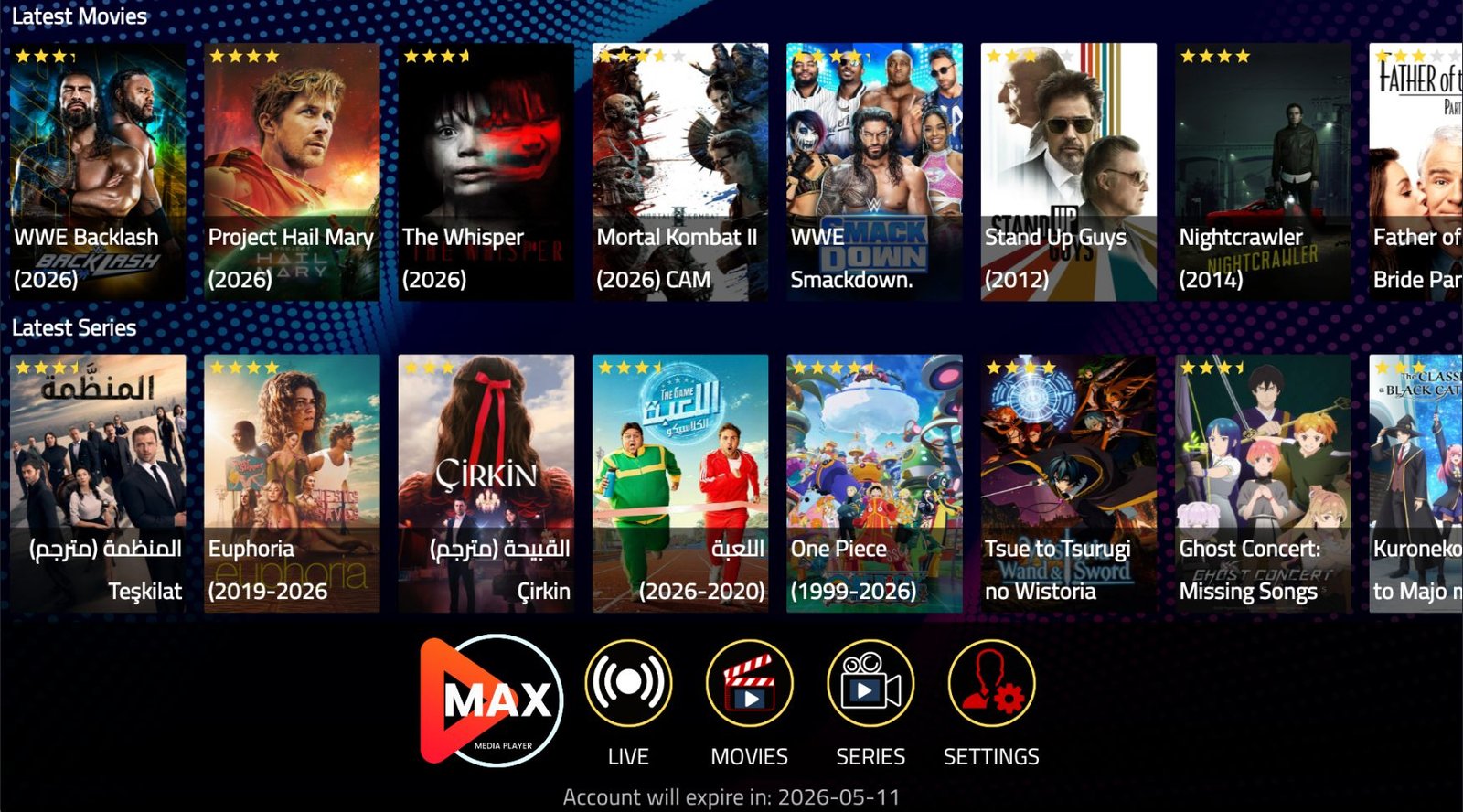
MAX PRO works well for living-room viewing because it supports Smart TV, Android TV, Firestick, Android Phone, iPhone / iPad, Windows PC, Mac, Apple TV, MAG and TiviMate.
Recommended setup approach
Install the recommended MAX PRO setup, open the app, add the server or playlist details provided after activation, then sign in with your MAX PRO credentials. Support can help you choose the right app for your TV model.
Why Smart TV users choose MAX PRO
MAX PRO combines live sports, movies, series, kids content, documentaries and global channels with quick setup help and multi-device guidance.